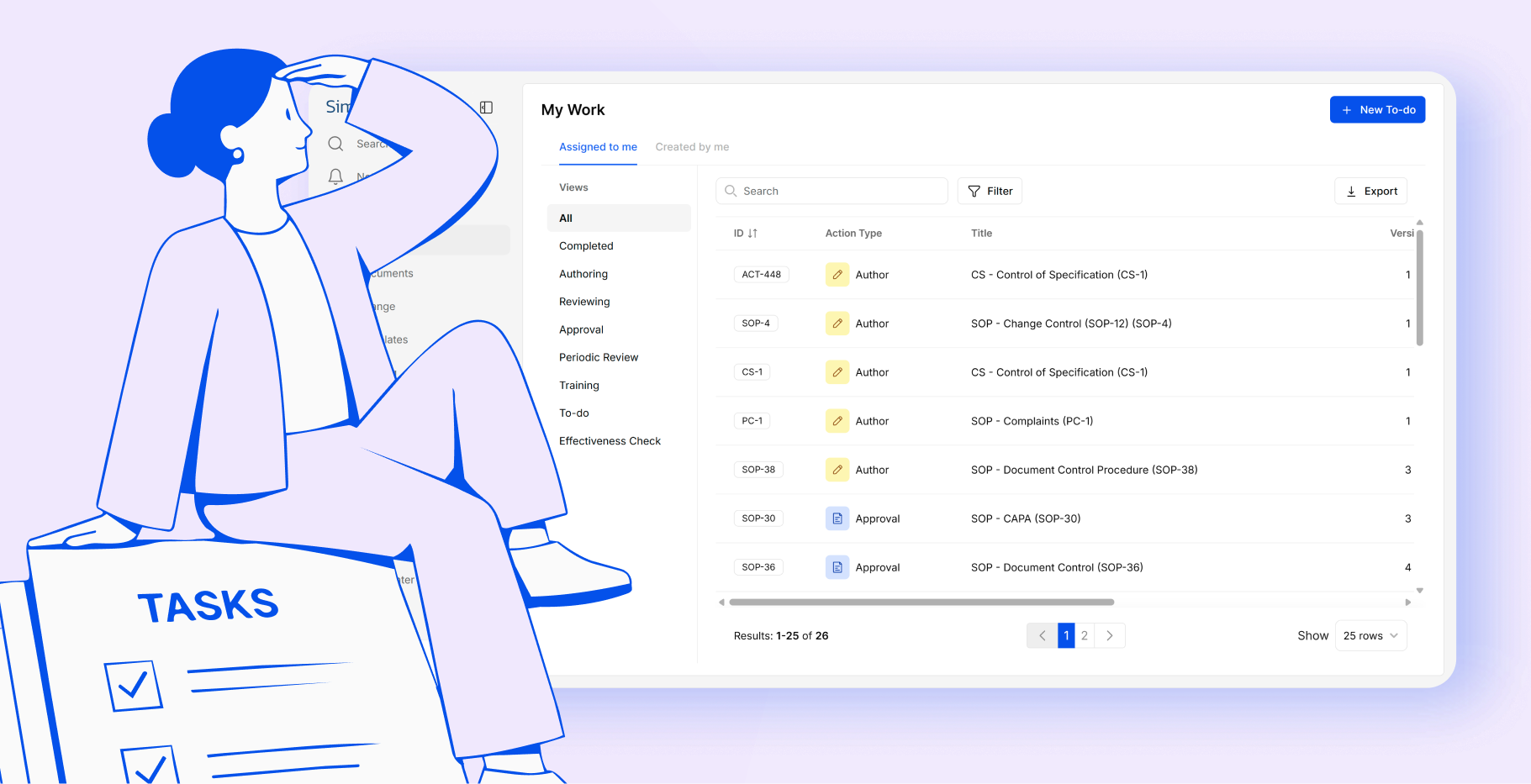
Managing quality processes across teams means coordinating a lot of people, actions, and decisions. This May, SimplerQMS brings a set of connected improvements designed to give you more visibility, less friction, and faster access to the documents you need.
Whether you’re a QA manager tracking delegated tasks, a process owner following up on Change Request actions, or a team lead monitoring progress, these updates are built for how quality work actually happens.
From Delegation to Completion, All in One Place
Assigning work is one thing. Knowing where it stands is another. When you delegate actions across Change Requests and to-dos, keeping track of progress can quickly become a challenge.
This release gives you a clearer picture of everything you’ve set in motion.
My Work now includes a new “Created by me” tab alongside the existing “Assigned to me” view. From here, you can see all the actions you’ve created and assigned across Change Requests and to-dos, along with their current status, in one place.
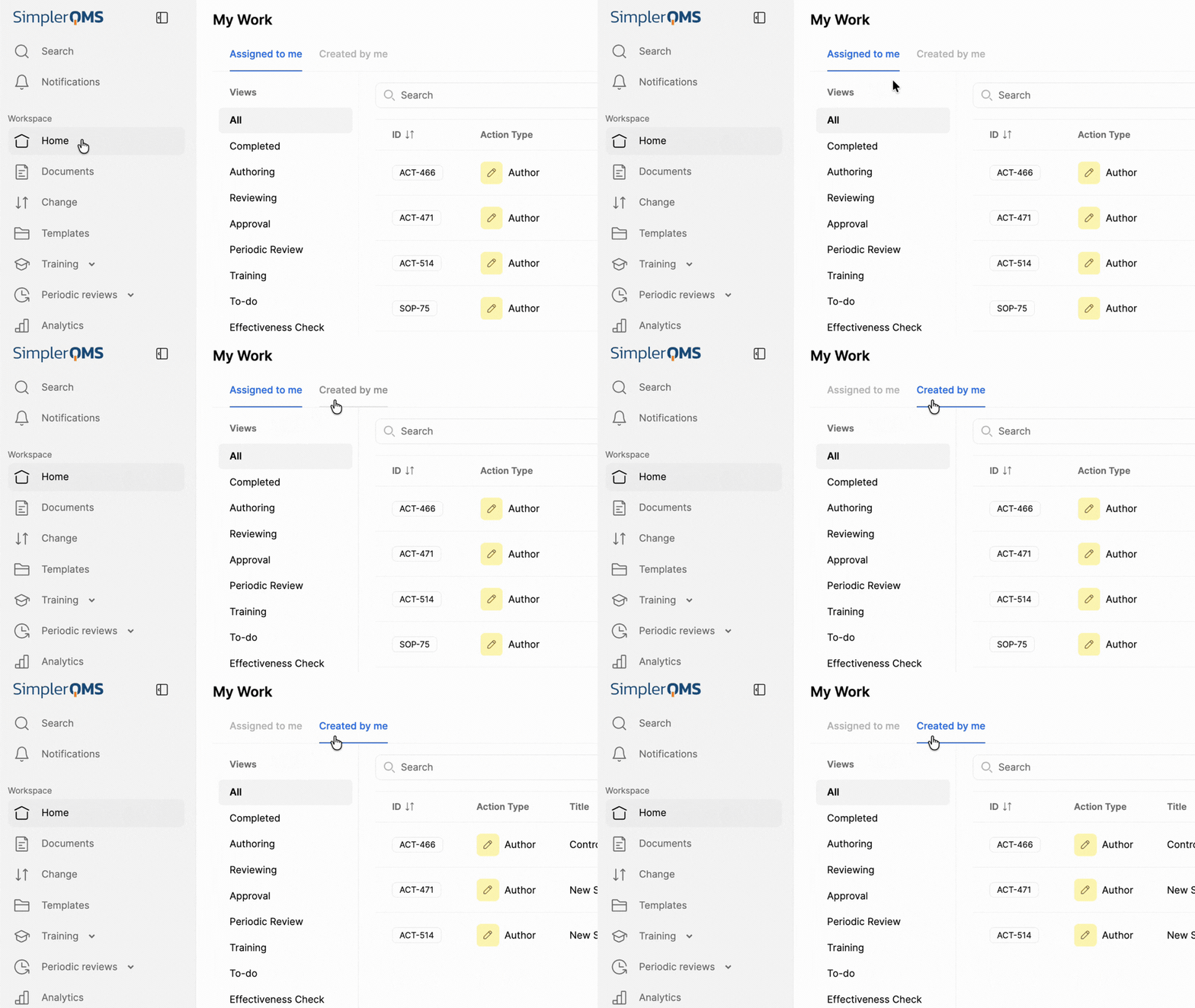
Here’s what that looks like in practice:
- QA managers can track the status of delegated tasks without having to chase team members for updates.
- Process owners can follow up on Change Request actions assigned to other team members without opening each CR individually.
- Team leads can monitor overall action completion progress across their team from a single, centralized view.
What that means for you? Less time spent chasing updates, more time focused on moving quality work forward.
This release also gives you a broader view of delegated work across your team. User Actions reporting lets you see all actions grouped by assignee or creator, giving you a clear record of who owns what and helping track accountability during audits or quality reviews.
Stronger Change Control, From Planning to Closure
In regulated environments, documenting what was done is only part of the picture. Auditors and quality reviewers often expect clear evidence of the rationale and decisions behind each phase of a change, not just the activities completed.
This release adds two new fields to the Change Request process: Conclusion of Change Plan and Conclusion of Change Execution.
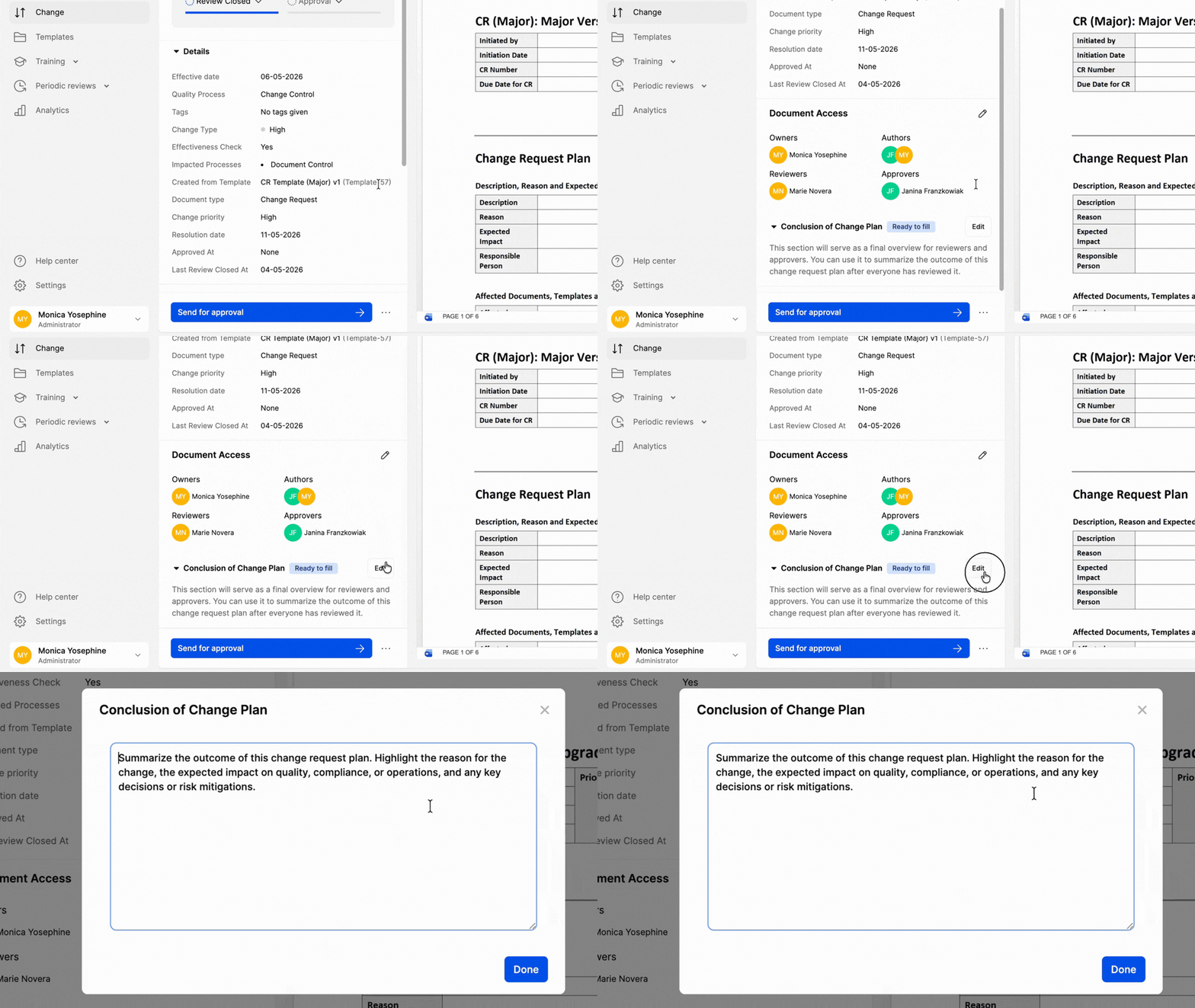
The Conclusion of Change Plan gives your team a structured place to document the final planning decision, key considerations, risk evaluations, and the rationale for approving the planned approach before moving into execution.
The Conclusion of Change Execution captures what was actually completed, any important deviations, lessons learned, and the final implementation result at the close of the change.
Both fields are included in the final compiled PDF, supporting stronger traceability, clearer audit documentation, and better handover for future reviews.
Simply put? More complete Change records that hold up under scrutiny.
Change Requests now also link seamlessly to documents, reducing manual effort and setup errors. Teams can move from document approval to controlled release more efficiently, with better traceability and less friction.
The benefit? Less manual work, fewer setup errors, and a clearer path from document approval to controlled release.
For more information, check out the full release notes here.
Smarter Filters for Faster Navigation
Finding documents, templates, and Change Requests just got faster. SimplerQMS now includes new role-based filters so you can quickly locate items by Owner, Author, Reviewer, or Approver without manually scanning through tables.
Change Requests can also now be filtered by Change Type, making it easier to narrow down the list and find what you’re looking for right away.
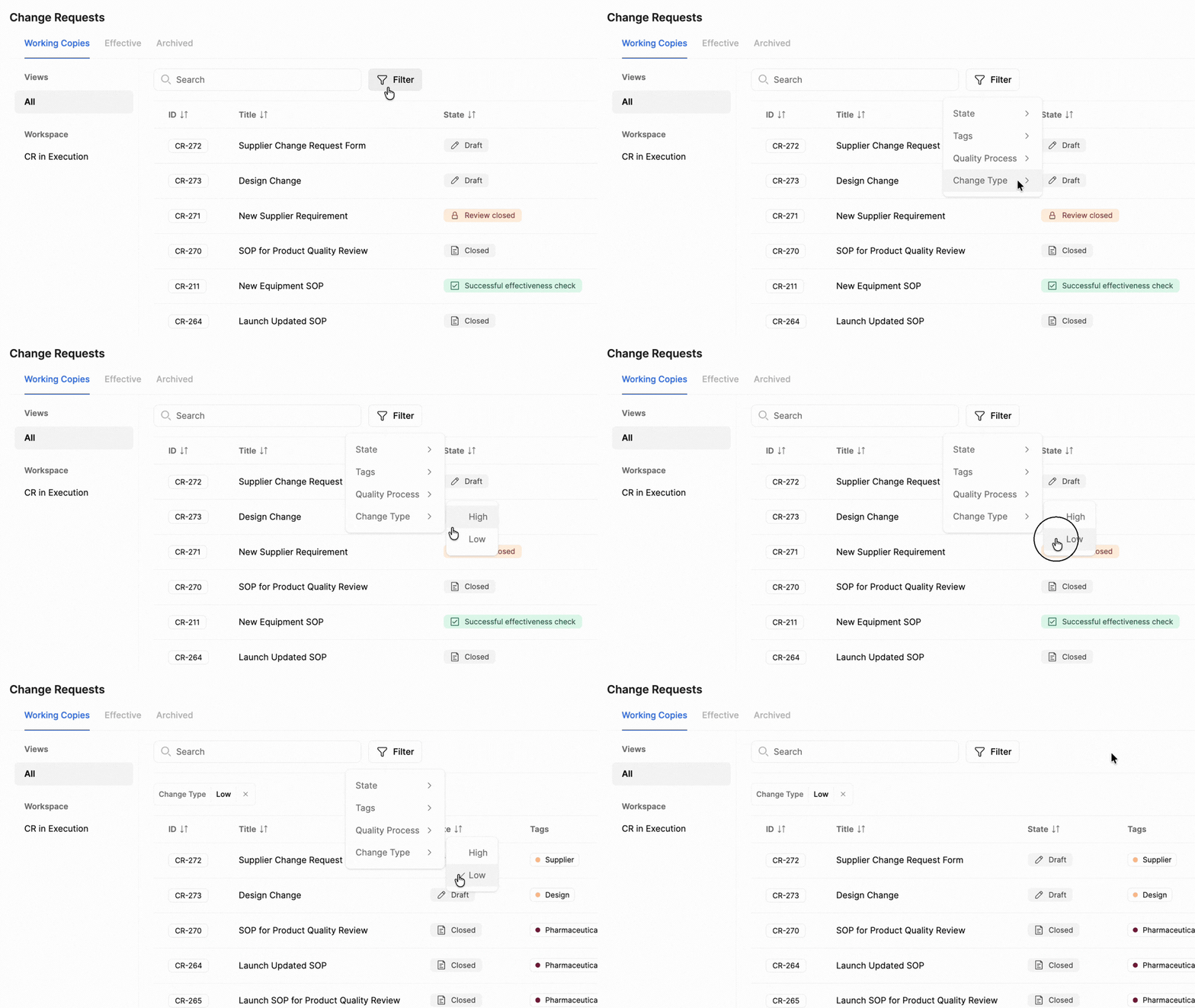
This is especially useful when:
- Preparing for an audit. Quickly locate documents associated with specific owners or approvers without manually digging through lists.
- Tracking workload across your team. Filter by role to see which records are assigned to specific team members, so nothing gets missed.
- Managing Change Requests. Filter by Change Type to quickly find relevant CRs without scrolling through the entire list.
In practice? Consistent, intuitive filtering across the platform so your team spends less time searching and more time doing.
For a full list of updates, check out the release notes here.
Try these updates today. Log in or book a demo.
