SimplerQMS Integrations: Connect Your eQMS With Your Business Systems
Integrate SimplerQMS with your ERP, CRM, and other business systems to support connected quality workflows.
Trusted by 5,000+ life science professionals worldwide – and growing.
15,000+ life science professional community
4.6 rating on Capterra
4.9 rating on G2


Case study


Case study


Case study


Case study


Case study


Connect Quality Management With the Tools Your Teams Already Use
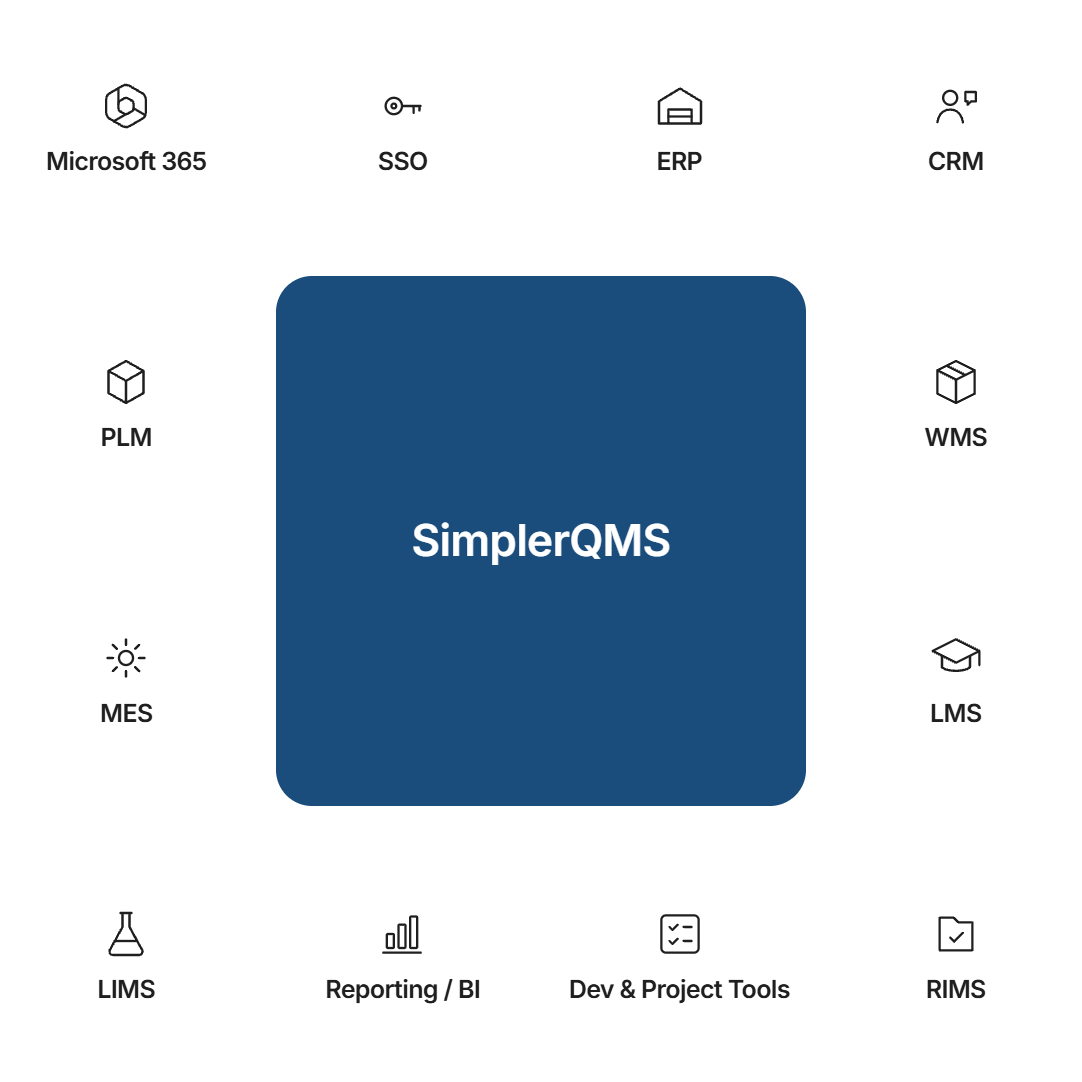
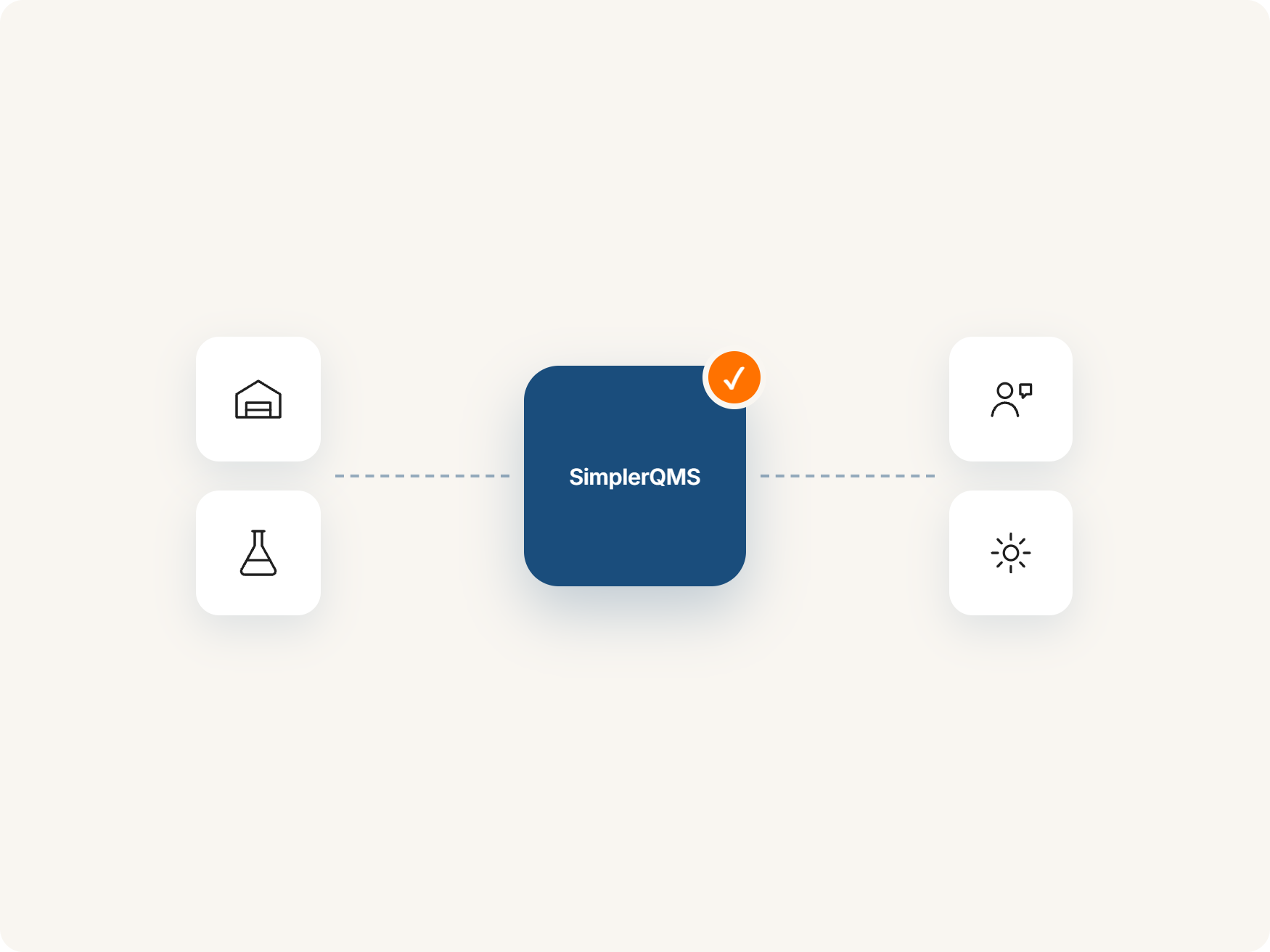
Your organization may use separate systems for suppliers, customers, product data, laboratory work, manufacturing, and reporting. SimplerQMS manages your quality processes in one place, and integrations can connect it with those systems to reduce manual data entry and link business activities to quality records.
Native Integrations
SimplerQMS supports out-of-the-box integrations with Microsoft 365 and Single Sign-On. These capabilities let teams work with familiar applications and use their organization’s existing identity provider.
Microsoft 365 Integration
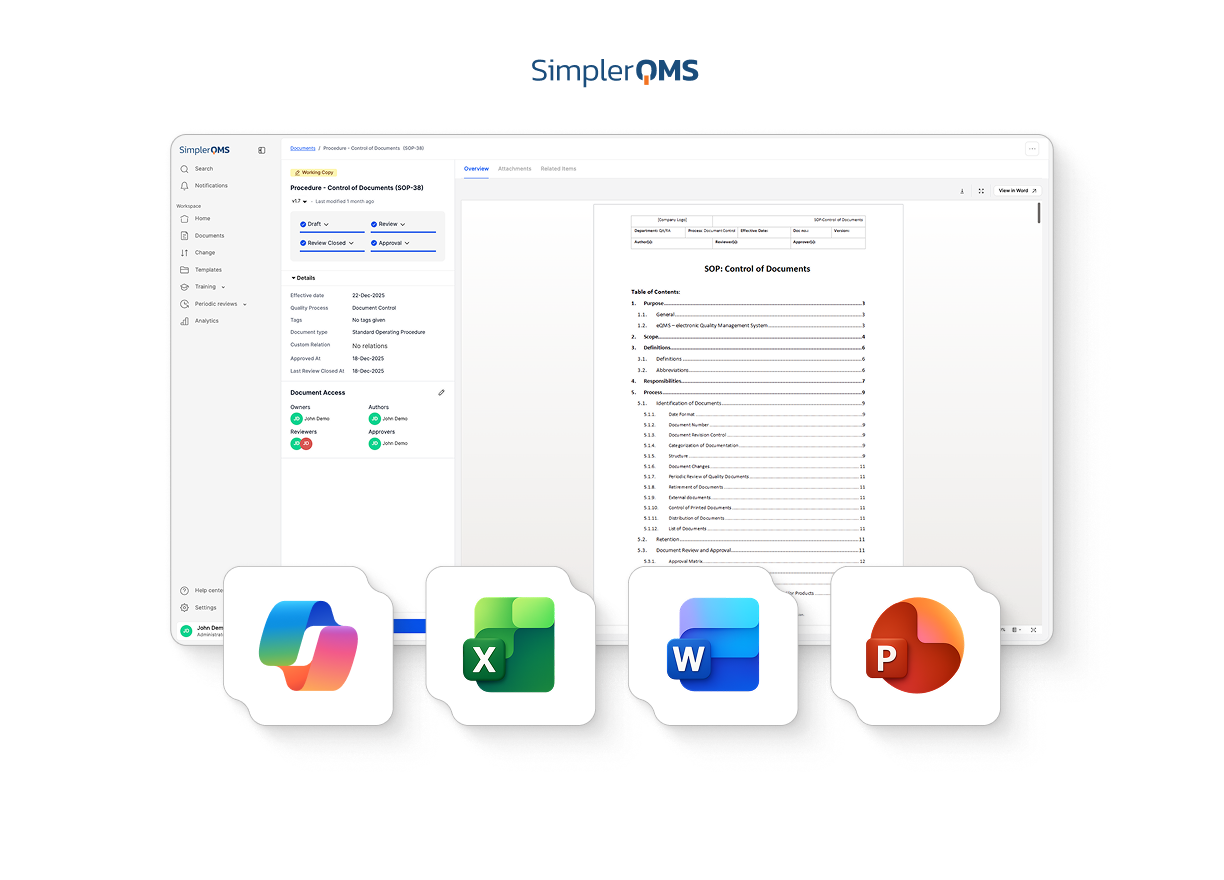
SimplerQMS integrates with Microsoft 365, allowing teams to edit controlled documents directly in Word. Changes are saved back to SimplerQMS, eliminating the need to download and re-upload files. SimplerQMS manages version history, review, and approval.

Microsoft Word Integration
Authors can draft and revise SOPs, work instructions, and policies in Word. SimplerQMS manages document version history and routes documents through review and approval.
Single Sign-On (SSO) Integrations
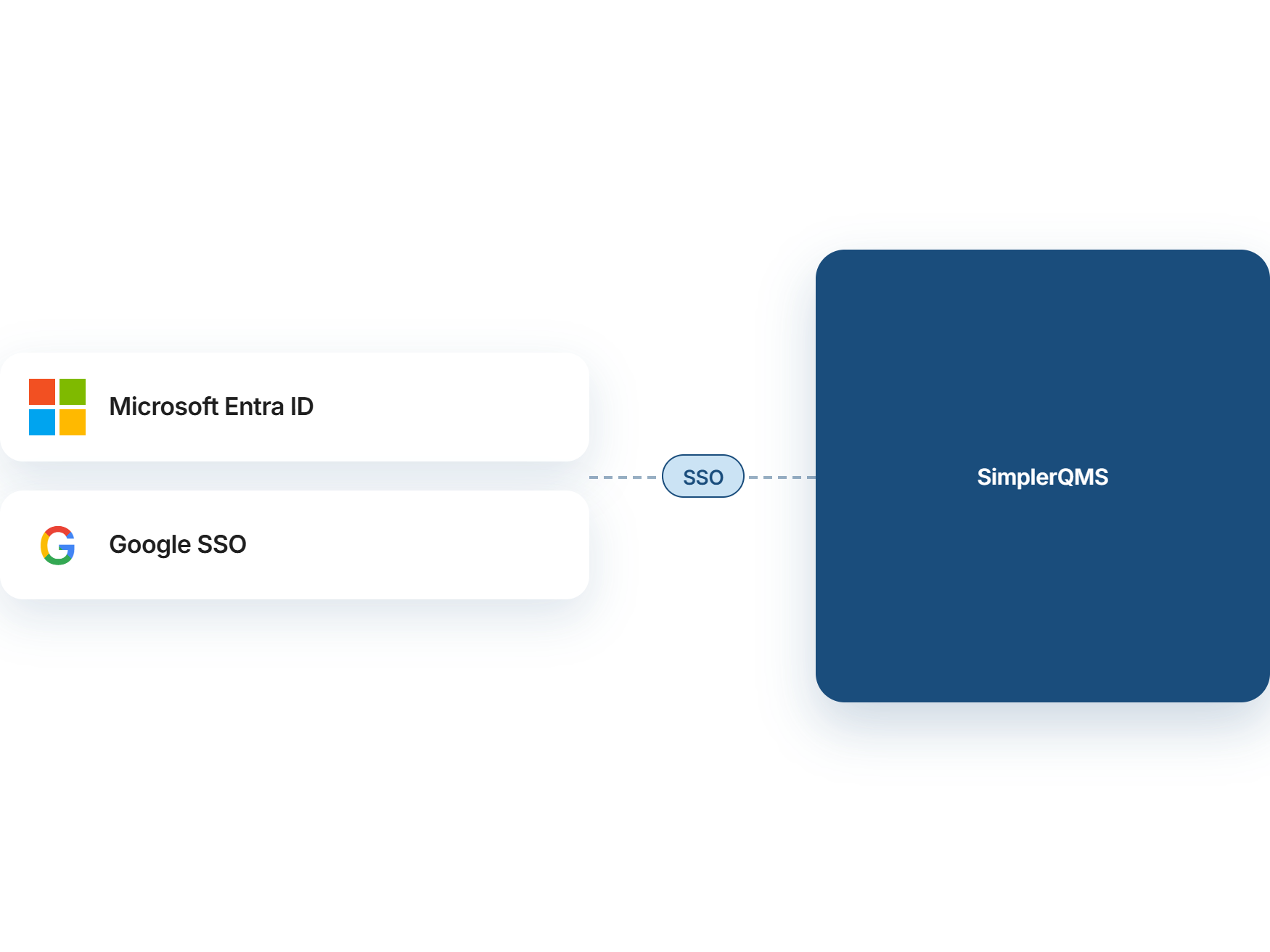
SSO lets users log in to SimplerQMS with the same company account they use for other systems, instead of a separate password. IT manages access in one place, and electronic signatures remain tied to the individual signer.
SimplerQMS supports SSO through Microsoft Entra ID and Google. Each organization has one primary SSO configuration, and users with different email domains can belong to the same organization.

Microsoft Entra ID
Organizations using Microsoft Entra ID (formerly Azure Active Directory) can use it to authenticate users signing in to SimplerQMS. Users sign in with their Entra ID credentials, and your existing Entra ID policies govern access.

Google SSO
Users can sign in to SimplerQMS with their company Google Workspace account. Their accounts stay managed in Google Workspace, and once SSO is enabled, they authenticate with their Google Workspace credentials.
Connect SimplerQMS With ERP, CRM, PLM, WMS, MES, and LMS Systems
Do you manage suppliers, manufacturing, lab results, or product data in separate systems? Depending on your requirements and those systems’ technical capabilities, they may be connected to SimplerQMS. Unlike the out-of-the-box integrations above, these connections may require technical assessment, development work, and involvement from your team or a third party. Scope, timelines, and costs vary by integration.
ERP and WMS Integrations
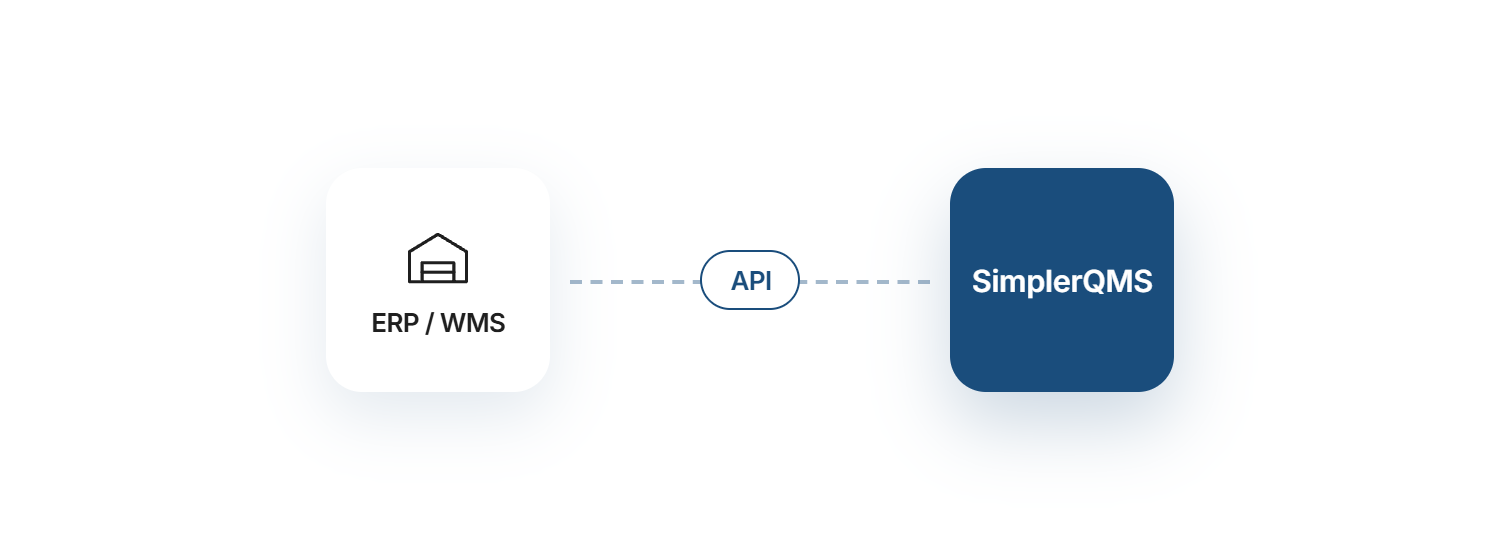
Integrate SimplerQMS with enterprise resource planning (ERP) and warehouse management systems (WMS) to connect business operations and quality processes. Use cases may include linking supplier and item records, purchasing, goods receipts, lot details, and production data with relevant quality records.
Available data flows and integration requirements depend on your systems, workflows, and technical setup. Some connections may require custom development and coordination with your system providers.
Potential connections may include ERP systems such as
- Dynamics 365
- SAP
- Oracle NetSuite
- Sage X3
- Priority
- DELMIAWorks (IQMS)
- Abel
Subject to technical assessment.
CRM Integrations
Explore connections between customer and account information in your CRM and relevant quality records in SimplerQMS. Potential use cases include linking customer records with complaints, feedback, and related quality activities.
Potential connections may include CRM systems such as
- Salesforce
- HubSpot
Subject to technical assessment. Available data flows depend on your systems and requirements.
PLM Integrations
Explore integration options for connecting product and engineering information with quality processes in SimplerQMS. Use cases may include referencing product specifications, design documentation, and engineering changes in relevant quality records.
These may include PLM and CAD systems such as
- SolidWorks
- AutoCAD
Subject to technical assessment.
MES and LMS Integrations
Connect manufacturing data and training workflows with quality processes in SimplerQMS. Use cases may include linking production records and manufacturing-related information with quality records, as well as connecting training assignments and completion records with controlled documents and procedures.
LMS platforms you may want to connect include
- SAP Litmos
- TalentLMS
- Docebo
- Moodle
Integration feasibility, available data flows, and any development requirements depend on your existing systems and technical setup.
Build Custom Integrations With SimplerQMS
If you need to connect SimplerQMS with other business systems, we can discuss your requirements and assess possible approaches. Depending on the systems involved, a custom integration may enable data exchange between SimplerQMS and your existing tools to support your workflows.
Beyond the systems above, here are some more you may want to connect:

Software Development and Project Management
Jira, Azure DevOps, Asana
Connect development activities with relevant quality records, such as risk assessments and change controls.

Laboratory Systems
LIMS such as LabWare, STARLIMS, Thermo Fisher SampleManager
Connect laboratory results and records with relevant quality processes.

Regulatory and Clinical Systems
RIMS, clinical trial software
Connect regulatory documentation and clinical information with relevant quality records.

Reporting
Microsoft Power BI
Explore ways to incorporate quality-related data into existing reports and dashboards.
Integration feasibility, available data flows, and implementation requirements depend on the systems involved and the technical assessment. Custom integrations may require development, coordination with your system provider, additional time, and additional cost.

Planning an integration, or don’t see your system listed? Talk to us about your systems and timeline.
What You Can Achieve With SimplerQMS Integrations

Reduce Duplicate Data Entry
Connecting business systems can reduce the need to enter the same information in multiple places. Depending on the integration, relevant supplier, customer, or item data may be shared between systems, helping reduce manual work and transcription errors.

Improve Traceability Across Systems
Integrations can help connect quality records with related business information. For example, teams may need to reference a supplier, purchase order, or customer case when investigating a quality issue. The available links and data flows depend on the systems involved.

Keep Quality and Business Data Connected
Connecting SimplerQMS with other business systems can help teams access relevant quality information alongside their operational data. The information shared, and how it is used, depends on the integration and the systems involved.

Let Teams Work in Familiar Applications
SimplerQMS integrates with Microsoft 365, allowing teams to work with Word, and supports Single Sign-On with supported identity providers. These capabilities help teams use familiar tools while managing controlled documents and access through SimplerQMS.
Integrations in a Validated Life Science Environment
At SimplerQMS, we build every integration with validation in mind, so your data stays accurate and traceable and you stay ready for audits. Our life science experts support integration planning, testing, and documentation, with ongoing maintenance defined by the scope of each integration.
Frequently Asked Questions About SimplerQMS Integrations
Listed below are frequently asked questions about SimplerQMS integrations.
Do Integrations Cost Extra?
Yes, costs vary depending on the integration requirements, the systems involved, and the work needed. We have extensive integration experience, from standard ‘out-of-the-box’ solutions to advanced, multi-system projects.
We are happy to discuss your specific needs and provide a cost estimate.
Can We Start Without Integrations and Add Them Later?
Yes. You can use SimplerQMS without connecting it to other business systems and explore integration options as your needs evolve.
Which Systems Can SimplerQMS Integrate With?
Integration options depend on the systems involved, the required data flows, and technical feasibility. Common areas to explore include ERP, CRM, LIMS, PLM, WMS, manufacturing, training, and reporting systems, alongside established capabilities such as Microsoft 365 and Single Sign-On.
The connected system’s technical capabilities and requirements must be assessed before confirming an integration.
Is There a List of Ready-Made Connectors?
SimplerQMS offers established capabilities such as Microsoft 365 integration and Single Sign-On. For connections to other business systems, contact us to discuss available options and whether your requirements can be met with existing capabilities or require custom development.
Who Builds and Maintains the Integration?
Integrations typically involve technical experts from SimplerQMS and from your organization. We also work with third-party integrators on larger integration projects. The integration needs review and updates when SimplerQMS or the connected system is upgraded or reconfigured. Maintenance responsibilities are agreed as part of the integration scope.
How Long Does an Integration Project Take?
Timelines depend on the systems involved, the complexity of the required data flows, technical dependencies, and any testing or validation requirements. We can discuss an estimated timeline after assessing your needs.
Do We Need to Validate Our Integrations?
If an integration creates, changes, or transfers quality records, it should be assessed and validated for its intended use as part of your computerized system validation. A risk-based approach can help you match the validation effort to the integration’s impact.
See SimplerQMS in Action
See how SimplerQMS supports document control and other interconnected quality processes in a single, integrated eQMS.
